Automotive Scan Tools, Diagnostic Equipment and Torque Calibration Specialists
How To Guide:
Source: SmartSafe
SmartSafe ADAS Toyota Rav4 2020 Right Blind Spot Calibration
Just a Heads-Up: This guide is here to help you out, but it’s for general info only. We try to keep everything accurate and reliable, but we can’t promise it’s perfect. So, if you decide to follow this guide, you’re doing it at your own risk. We’re not responsible for any loss or damage that might happen, including indirect or consequential loss, or any loss of data or profits from using this guide. Sometimes, we might link to other websites. We don’t control those sites, so we can’t vouch for their content. Just because we link to them doesn’t mean we endorse them. We do our best to keep this guide running smoothly, but we can’t be held responsible if it’s temporarily unavailable due to technical issues beyond our control.
Operation guide:
1. Access car model selection by reading the VIN (or manual selection).

2. Choose "TOYOTA".

3. Click "OK".
4. Choose 16PIN DLC(Europe and Other).
5. The following car models are recognized by automatic VIN recognition. Choose -2020.08.
6. Choose "Radar Cruise".
7. Choose "w/Smart Key".
8. The following car model information is displayed. Click "OK".

9. Click "OK".
10. Choose "ADAS System Selection".
11. The system list is displayed. Choose "Blind Spot Monitor Master".
12. Click "OK".

13. The function list is displayed. Choose "Special Function".
14. The special function list is displayed. Choose "BSM Mater Beam Axis Adjustment".
15. Click "OK".
16. After performing the operations as prompted, click "Next Step".
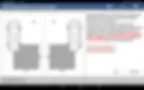
17. After performing the operations as prompted, click "Next Step".
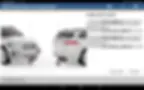
18. After performing the operations as prompted, click "Next Step".
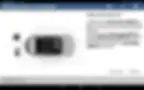
19. After performing the operations as prompted, click "Next Step".
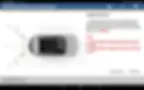
20. After performing the operations as prompted, click "Next Step".
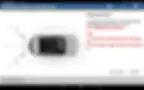
21. After performing the operations as prompted, click "Next Step".
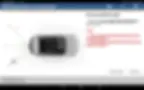
22. After performing the operations as prompted, click "Calibration".
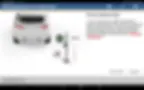
23. After performing the operations as prompted, click "OK".
24. Calibration is in progress.
25. Calibration completion information 1.
26. Print calibration report information 1.
27. Calibration completion information 2.
28. Print calibration report information 2.